
AI Chat: Chatbot & AI Assistant
AI Tools Apps SRL
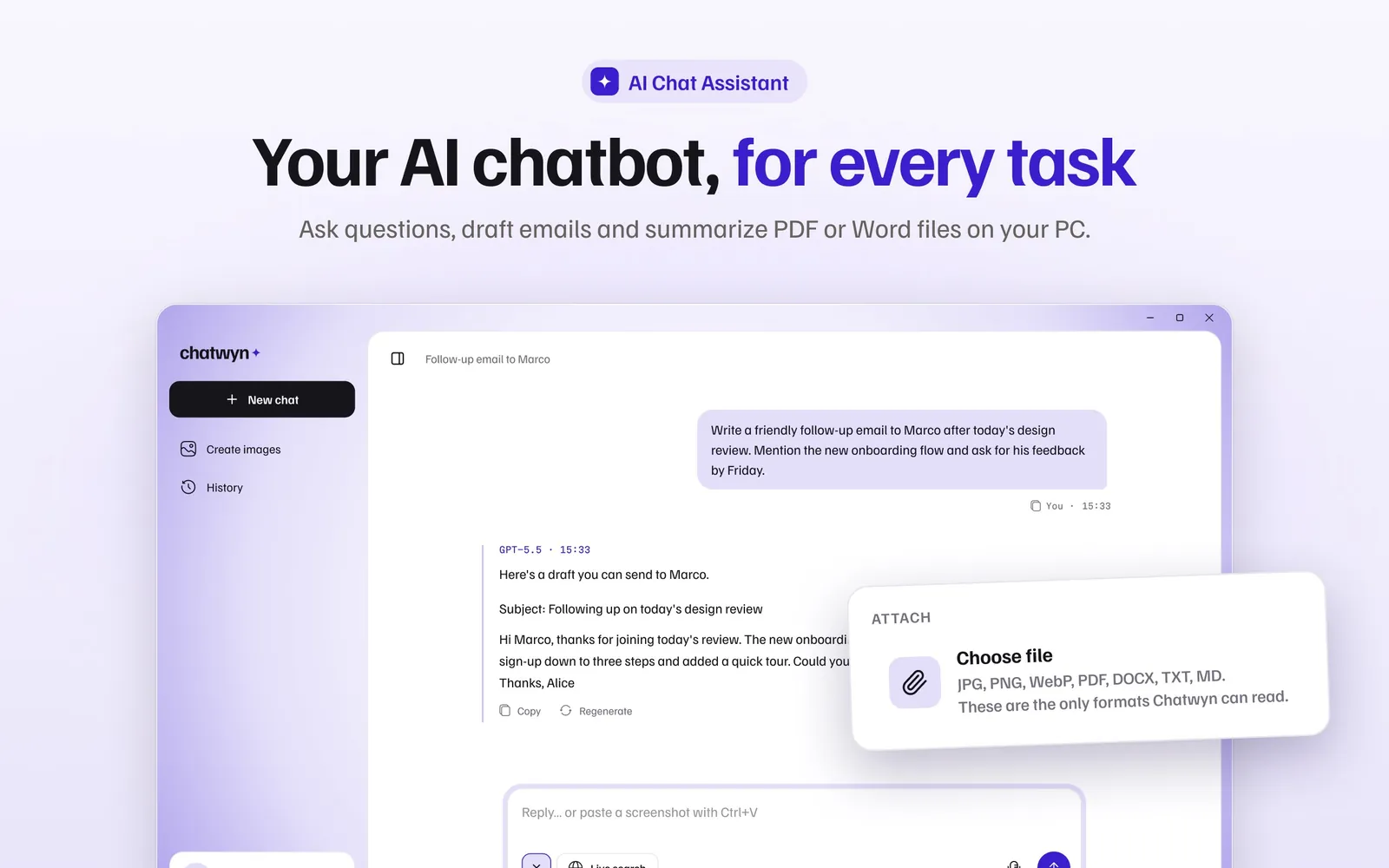
Chat with several AI models on your PC: ask questions, draft emails, translate text and summarize long PDFs or Word files.

Free trial · Offers in-app purchases

Screenshots
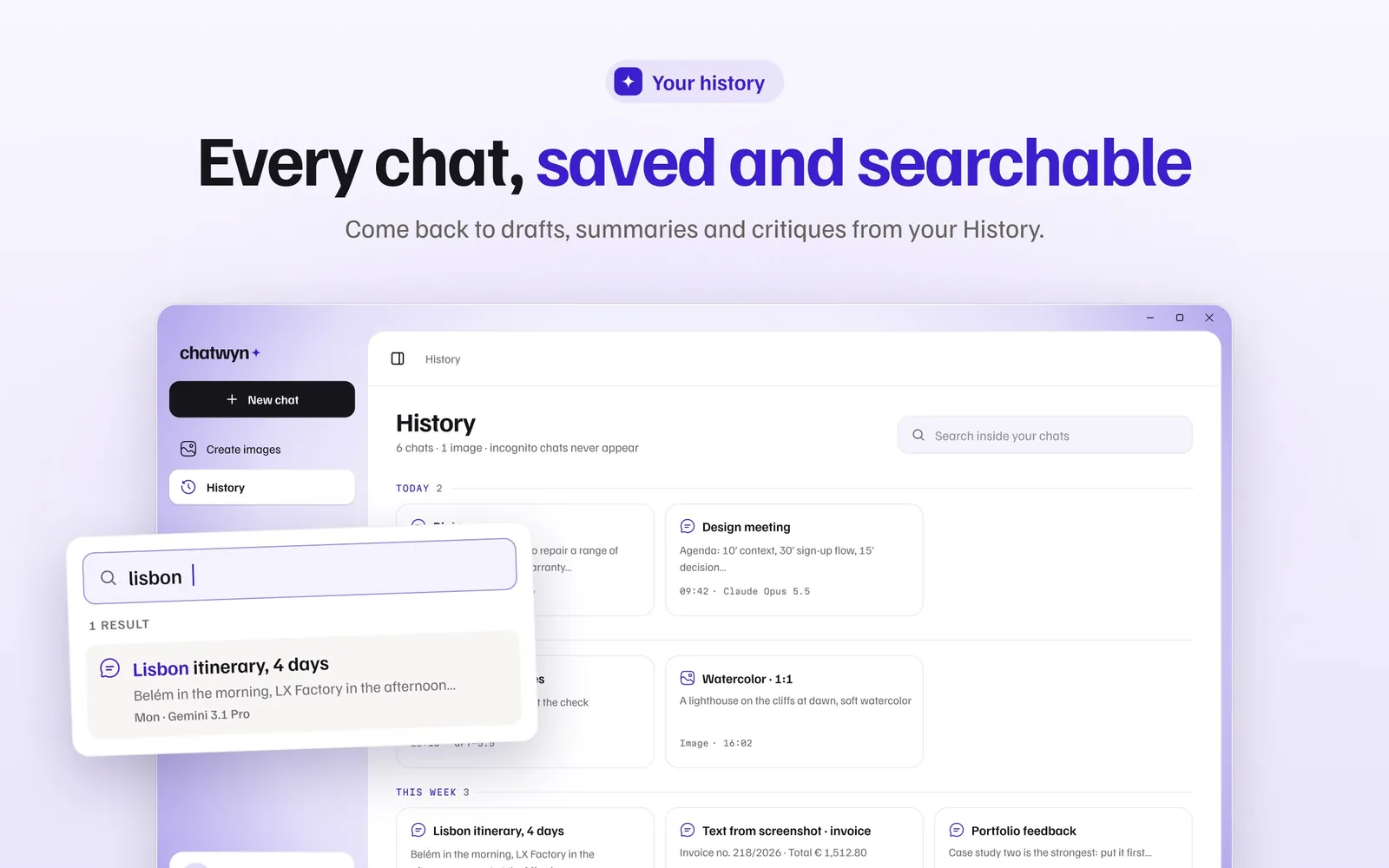
Description
Meet Chatwyn, the AI chat assistant for Windows that puts several AI models in one simple desktop app. Ask, write, summarize, search the web and create images without switching between tools.
Open it, type or speak, and get an answer. There is nothing to set up, because Chatwyn starts with Auto, a ready-to-use default model. Want more control? Switch models any time, even in the middle of a conversation.
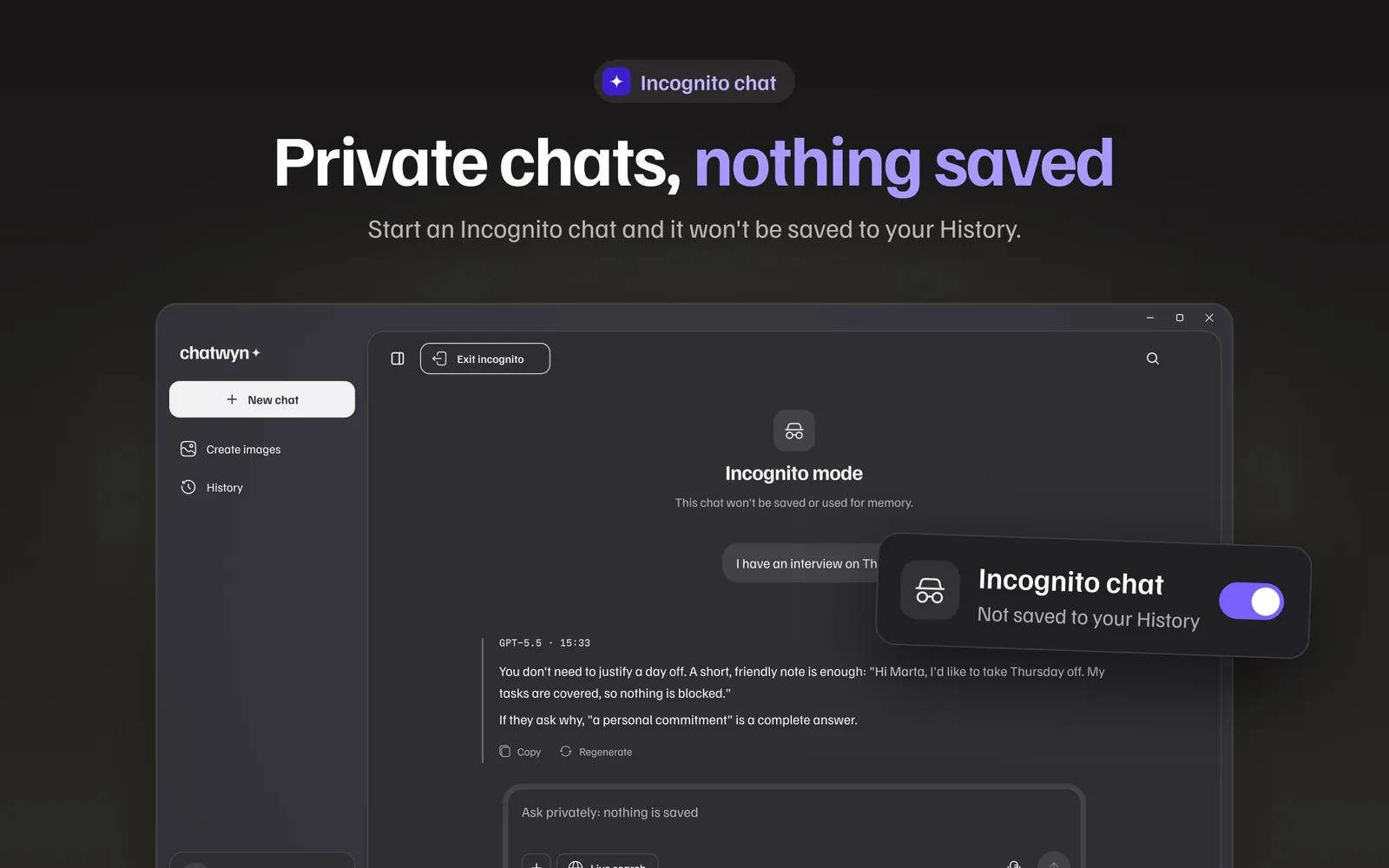
Prefer to talk? Click the microphone and dictate: your words appear in the message box, so you can review them before sending. For a private conversation, start an Incognito chat and it will not be saved to your History.
Think of Chatwyn as your everyday AI buddy and chatbot assistant. It is an AI app built for quick questions, drafts, study notes and daily curiosity, powered by artificial intelligence that stays out of your way.
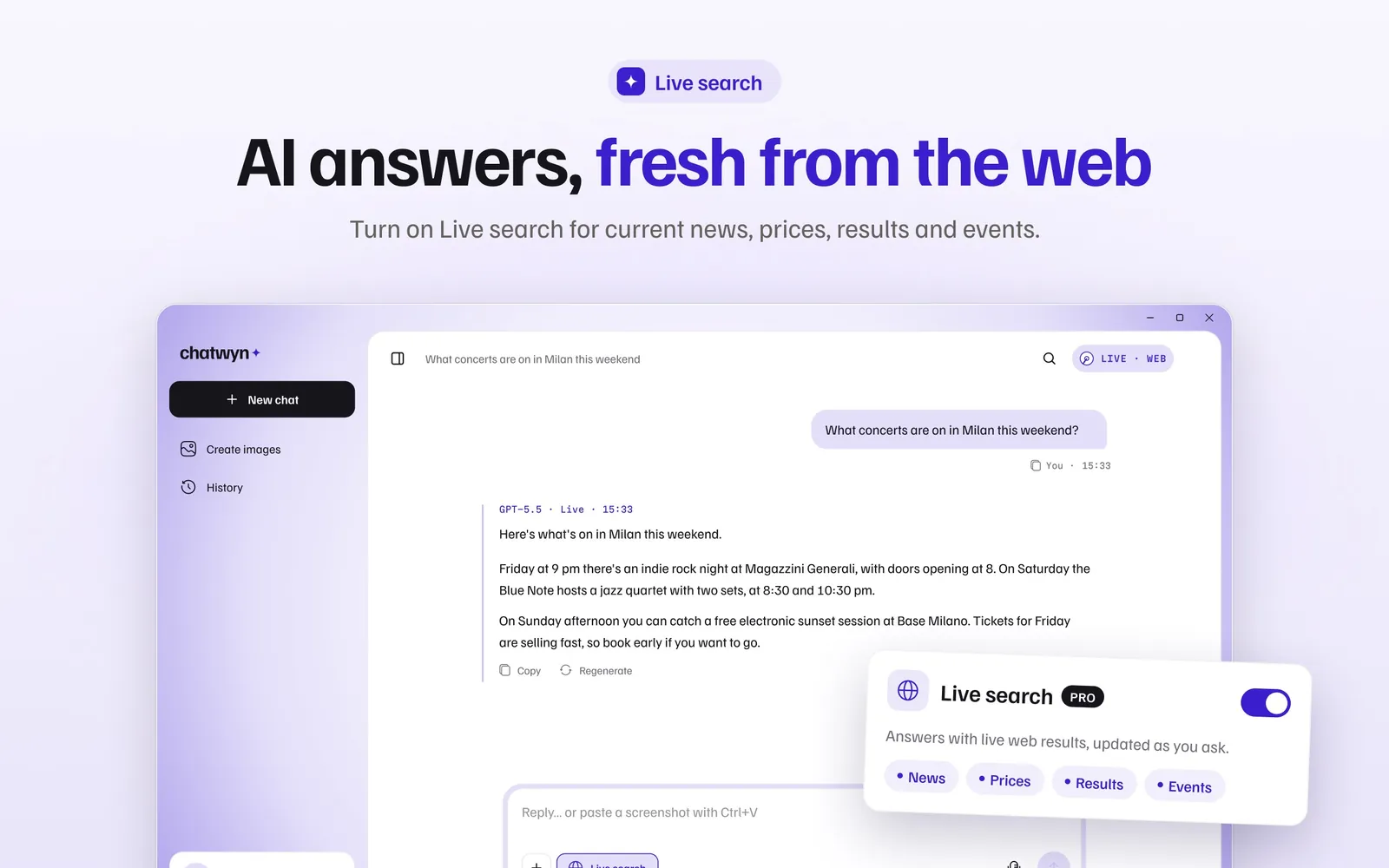
Need up-to-date answers? Turn on Live search and Chatwyn looks up the web for news, prices, results and recent events.
Got a screenshot full of text? Drag it in, paste it from the clipboard or pick a photo from your PC. Chatwyn reads the text, summarizes it or translates it, and shows it in a block you can copy in one click.
It is also a handy summary AI for your files: open a PDF or Word document and get a short summary and clear explanations without scrolling through pages.
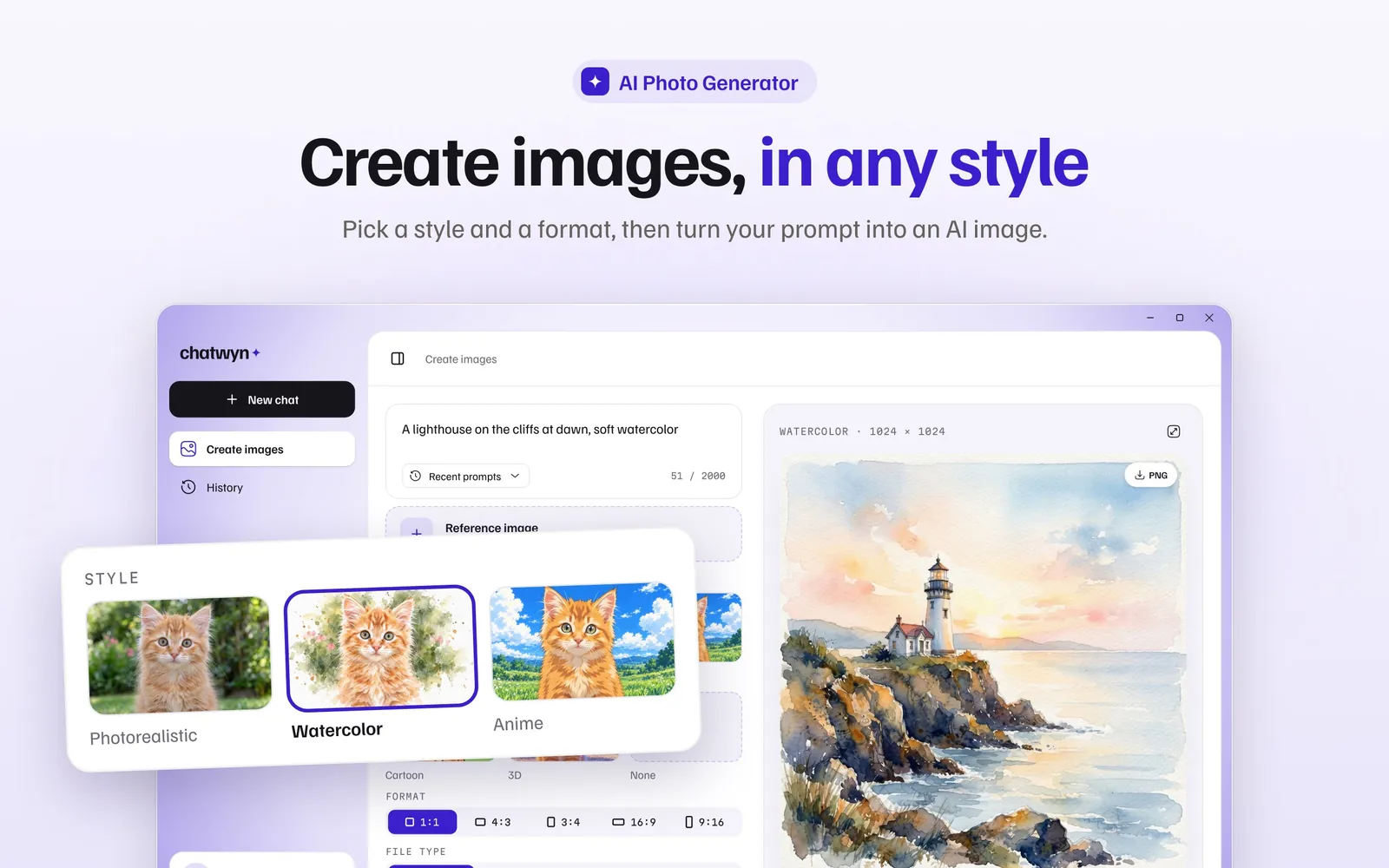
When you feel creative, use the AI image generator to make images by choosing a style and a format. Your History is always in the sidebar, so you can come back to earlier conversations.
If you have been looking for an AI chat assistant that feels friendly, tidy and fast on Windows, start your first conversation with Chatwyn today.
What you can do with Chatwyn:
Key Features
- Ask anything by typing or speaking and get a clear answer in seconds, with nothing to set up first.
- Click the microphone to dictate your message, then review the text and press Enter.
- Start right away with the default Auto model, or switch to another AI model at any time, even in the middle of a conversation.
- Turn on Live search to get current answers for news, prices, results and recent events.
- Drop in a photo or screenshot and pull out its text, then copy it, summarize it or translate it.
- Open JPG, PNG, WebP, PDF, DOCX, TXT and MD files and get summaries and explanations in one window.
- Create images by picking a style and a format, right from the sidebar of your desktop app.
- Copy or regenerate any answer, and jump back to the latest message in long conversations with one click.
- Start an Incognito chat when you do not want a conversation saved to your History.
Subscribe to access to premium app features; subscription details are the following:
- Length: Monthly or yearly
- Free trial: Available only on selected subscriptions
- Your payment will be charged to your Microsoft Store account upon confirmation of purchase
- You can manage your subscriptions and turn off auto-renewal in your Microsoft Store Account settings after purchase
- Your subscription will automatically renew unless you cancel it at least 24 hours before the end of the current period
- The cost of renewal will be charged to your Microsoft Store Account within 24 hours prior to the end of the current subscription period
- If you cancel a subscription, it will remain active until the end of the current billing period. Auto-renewal will be disabled, but no refunds will be provided for the remaining period
- Any unused portion of a free trial period, if offered, will be forfeited upon purchasing a subscription
System requirements
- OS
- Windows 10 version 17763.0 or higher, Windows 11
- Architecture
- x64
- Download size
- About 171 MB
- Installation
- Sign in with your Microsoft account and install on up to ten Windows devices.
- Languages
- English
Additional information
- Published by
- AI Tools Apps SRL
- Category
- Productivity
- Age rating
- ESRB Teen · In-App Purchases · Diverse Content: Discretion Advised
- Price
- Free to download, with a free trial. Some features are paid, bought in the app through your Microsoft account.
- What you download
- A small installer made by Microsoft. It installs AI Chat from the Microsoft Store and opens it when ready.
- Uninstall
- Settings › Apps › Installed apps › AI Chat › Uninstall
- Privacy and terms
- Privacy policy · Terms & Conditions · Microsoft Standard Application License Terms
- Contact
- [email protected]